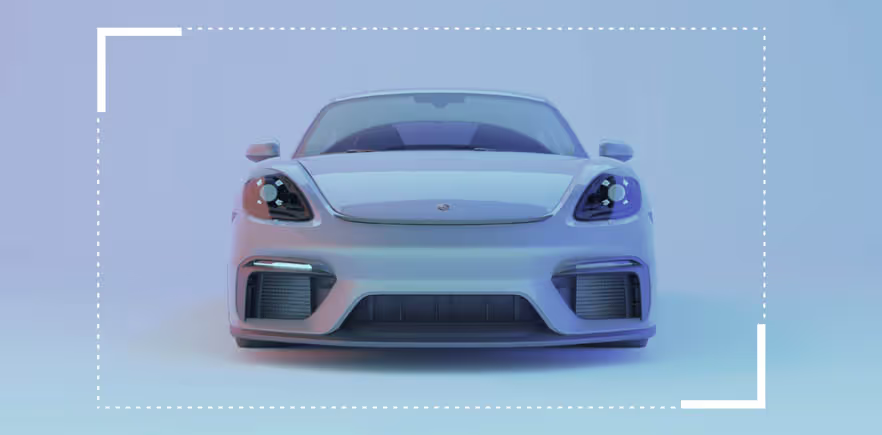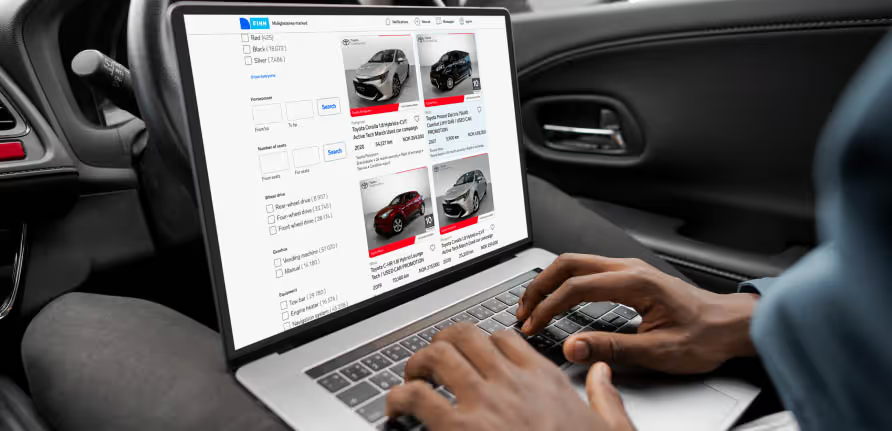
You don’t need a professional camera to capture stunning car photos. With the right lighting, angles, and a few quick phone settings, you can make your car stand out online. This guide shows you exactly how to take great car photos using your smartphone — plus how Autopix helps you edit them fast.
Whether you’re selling your car or simply showing it off, first impressions count. The first photo people see often decides whether they stop scrolling or keep moving. A clear, well-composed photo highlights the car’s lines, colour, and condition — and helps your listing or post get noticed.
Good car photography isn’t about expensive gear. It’s about understanding light, angles, and a few simple composition tricks.

Light is the foundation of every great photo. Natural, even lighting gives your car true-to-life colour and detail.
If you’re indoors, use lights with a neutral colour temperature (around 5000–5500 K) for balanced tones.
Your smartphone camera is more powerful than you think — and a few small tweaks make a big difference.
Composition gives structure and balance to your photo. Here are a few easy techniques that work every time:
These simple rules help you take car pictures that feel professional and trustworthy.
After taking your shots, a bit of editing can make them shine — adjusting light, removing distractions, and balancing colour.
Autopix is a car photo editing app that does this automatically. Upload your photos and let the app:
It’s fast, consistent, and easy to use — perfect for anyone who wants their car photos to look clean and eye-catching without manual editing.
“Smartphone cameras are powerful — and with Autopix, you can achieve studio-like results in seconds,” says Jørgen Munch Jensen, former car photographer and now Business Developer at Autopix.
If you’re short on time, editing each photo manually can be tedious. Autopix helps you:
With a few small adjustments and the help of smart editing tools like Autopix, you can turn ordinary car photos into ones that catch attention.
Ready to take the next step?
👉 Want to go professional? Read our advanced guide on taking professional car photos.