

Hvordan se tidligere bestillinger?
You can access your previous orders from Orders and Archive tabs, depending on the status.
All completed orders are saved in your Archive, while orders in draft, In progress, QC in progress, Review status are listed in Live orders.
By default, we store your files for 30 days, but you can upgrade to Extended - 12 months or Unlimited storage at any time.
- Log in to your account.
- Click Live orders or Archive category in the side bar.
- Click on the order to see images and additional information.
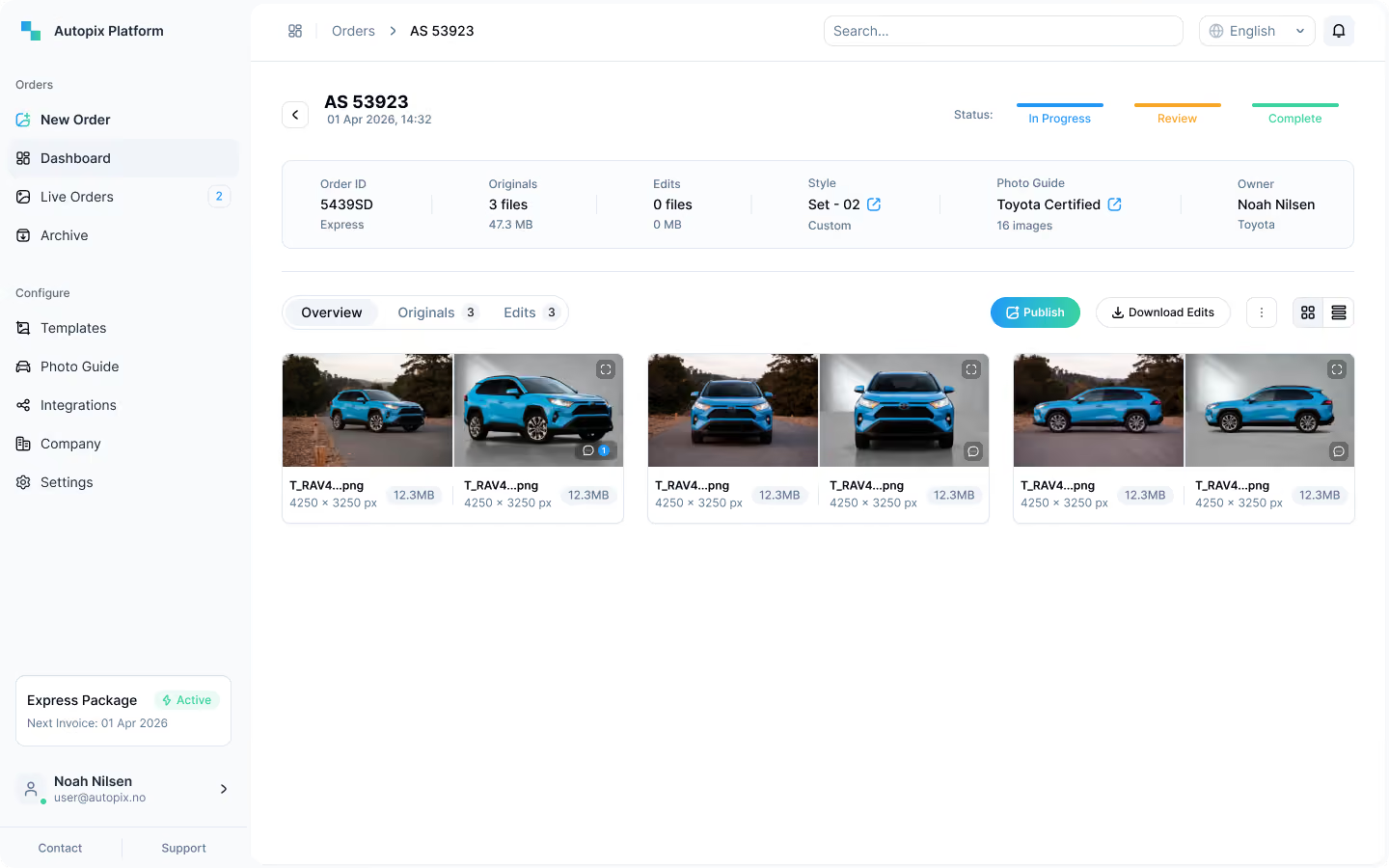
From the detailed order screen, you can compare originals and edits, view images individually, download or publish them.
You can access your previous orders from Orders and Archive tabs, depending on the status.
All completed orders are saved in your Archive, while orders in draft, In progress, QC in progress, Review status are listed in Live orders.
By default, we store your files for 30 days, but you can upgrade to Extended - 12 months or Unlimited storage at any time.
- Log in to your account.
- Tap Orders tab in navigation.
- Click on the order to see images and additional information.
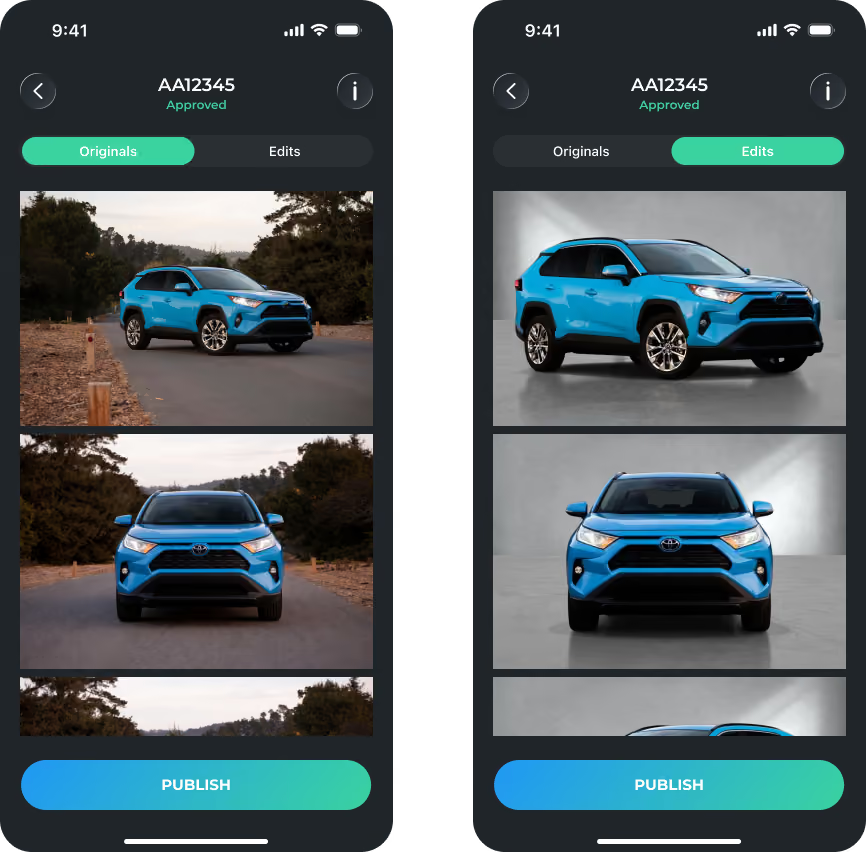
From the detailed order screen, you can compare originals and edits, view images individually or publish them.
